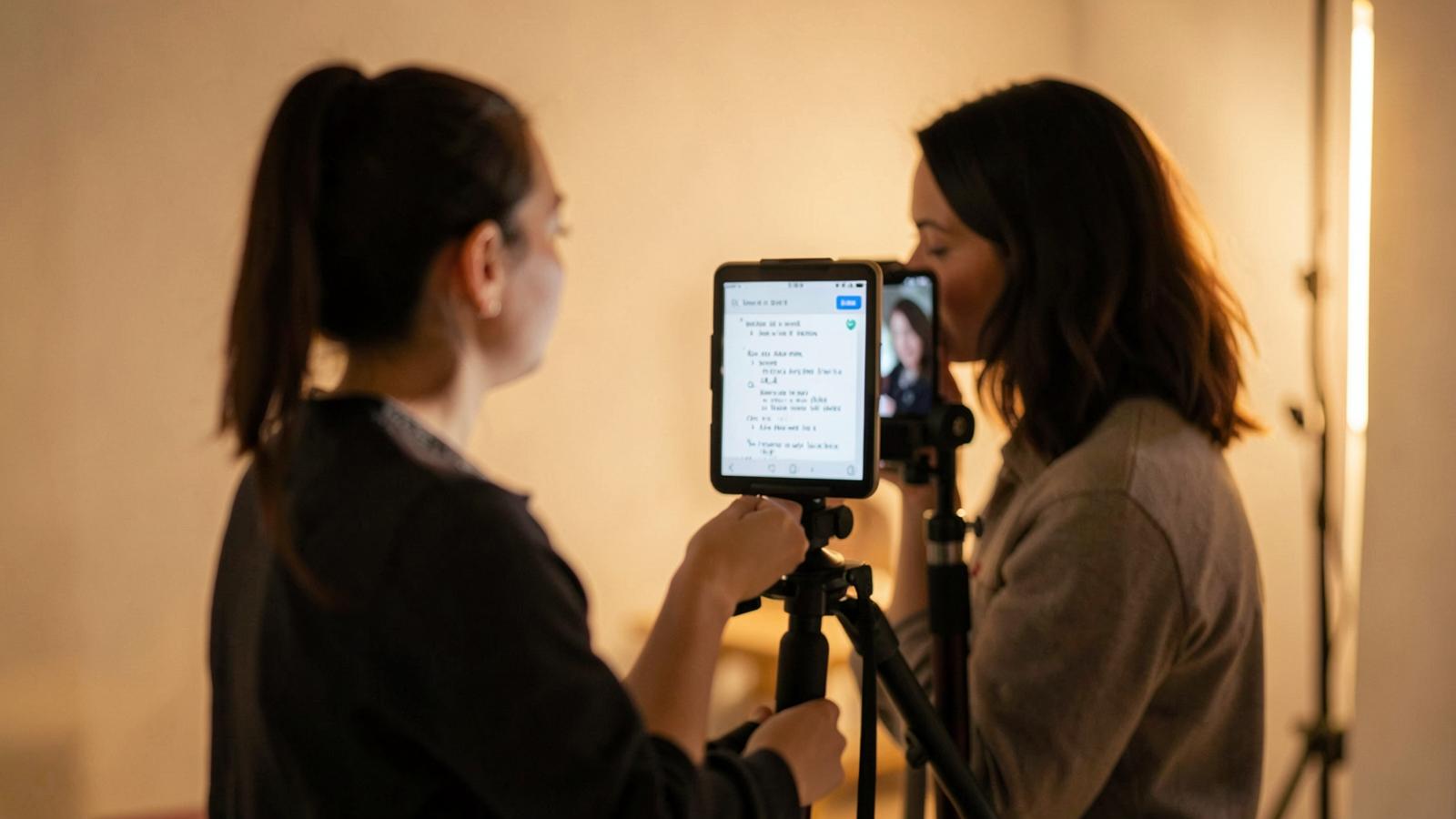
The Best Teleprompter App for iPad: 2024 Pro Guide
Looking for the best teleprompter app for iPad? We compare top features, remote control options, and why Teleo is the modern choice for creators.
# The Best Teleprompter App for iPad: Why Your Choice Defines Your Delivery
Reading from a script shouldn't look like you’re reading from a script. That is the fundamental paradox of using an iPad as a teleprompter. When it works, you look like a natural, authoritative expert. When it doesn't—because the text is too small, the scroll speed is jerky, or you’re squinting at the screen—you look like a robot reading a grocery list.
The iPad is the gold standard for portable prompting. Its form factor fits perfectly into professional glass rigs, yet it's light enough to mount on a travel tripod. But the hardware is only half the battle. To truly elevate your video production, you need the best teleprompter app for iPad that suits your specific workflow.
What Makes a Great iPad Teleprompter App?
Before we dive into the top picks, let’s identify what actually matters. Many free apps on the App Store are riddled with ads or lack basic synchronization. For professional results, look for these four pillars:
- Mirroring Capability: Essential if you are using a physical teleprompter rig (where the iPad reflects off a beam-splitter glass).
- Adjustable Visuals: You need to be able to change font size, line spacing, and background colors to minimize eye strain and avoid the "shifty eye" look.
- Remote Control: Whether it's an Apple Watch, a Bluetooth keyboard, or a second phone, you need a way to pause or adjust speed without reaching for the camera.
- Smart Scrolling: Features like voice-activated scrolling or auto-speed adjustment based on your pace.
Top Contenders for 2024
### 1. Teleo: The Modern Professional’s Choice
If you want a friction-less experience that feels like it was built in this decade, Teleo (https://teleo.studio) is a standout. While many legacy apps feel like they were designed for iOS 6, Teleo focuses on a clean, intuitive interface that works across devices.
What sets Teleo apart is its reliability. It eliminates the "tech anxiety" that comes with live recording. It offers seamless script syncing, so you can write your script on a laptop and have it instantly ready on your iPad. It’s designed for creators who don't have a full production crew and need the tech to just work.
### 2. PromptSmart Pro: The Voice-Tracking Specialist
PromptSmart is famous for its "VoiceTrack" technology. Instead of scrolling at a pre-set speed, the app listens to your voice and advances the text as you speak.
- Pros: Great for people who tend to ad-lib or change their pace mid-sentence.
- Cons: It can occasionally get tripped up by heavy accents or loud background noise.
### 3. Teleprompter Premium: The Feature Giant
This is one of the oldest and most feature-rich apps on the market. It supports almost every file type (Docx, PDF, TXT) and has extensive remote control options.
- Pros: Incredible customization. You can change almost every pixel of the UI.
- Cons: The interface is cluttered and can be overwhelming for beginners.
How to Avoid the "Shifty Eye" Effect on iPad
Even with the best teleprompter app for iPad, you can still look unnatural if your settings are wrong. The "shifty eye" occurs when your eyes move back and forth across the screen as you read the lines.
### The Narrow Margin Trick
Don't let your text span the entire width of the iPad screen. Most high-end apps, including Teleo, allow you to adjust the margins. By narrowing the text to the center 30-40% of the screen, your eyes stay centered on the camera lens, creating the illusion of direct eye contact.
### The Eye-Line Placement
Always position the "reading line" (the active line of text) as close to the top of the iPad as possible—ideally directly in front of the lens. If you are reading text at the bottom of the iPad while the lens is at the top, you will appear to be looking down.
Hardware Pairings for Your iPad
To turn your iPad into a pro-grade studio, consider these additions:
- The Beam-Splitter Rig: If you want to look directly into the lens, a rig like the Desview or Neewer iPad prompters is essential. Make sure your app supports horizontal flipping (mirroring) for this.
- Bluetooth Foot Pedal: If you are doing long-form content or presentations, a foot pedal allows you to stop and start the script hands-free.
- Apple Watch Remote: Some apps allow you to use your watch as a discreet remote to trigger the script while your hands are in the frame.
Why Teleo Wins for Modern Content Creators
While legacy apps focus on having hundreds of niche features, Teleo focuses on the user experience. For most YouTubers, corporate presenters, and educators, the biggest hurdle isn't a lack of features—it's the setup time.
Teleo streamlines the workflow:
1. Write on your desktop.
2. Open the app on your iPad.
3. Hit record.
It removes the need for manual file transfers or clunky Dropbox integrations, making it arguably the most efficient way to use an iPad as a teleprompter today.
Conclusion
Choosing the best teleprompter app for iPad depends on your specific needs. If you need voice-tracking, PromptSmart is a solid bet. If you need a robust, modern, and incredibly stable platform that syncs across your devices, Teleo is the clear winner for the current generation of creators.
Whatever you choose, remember: the goal of the technology is to disappear. The best app is the one that lets your personality shine through without you ever worrying about the next line.