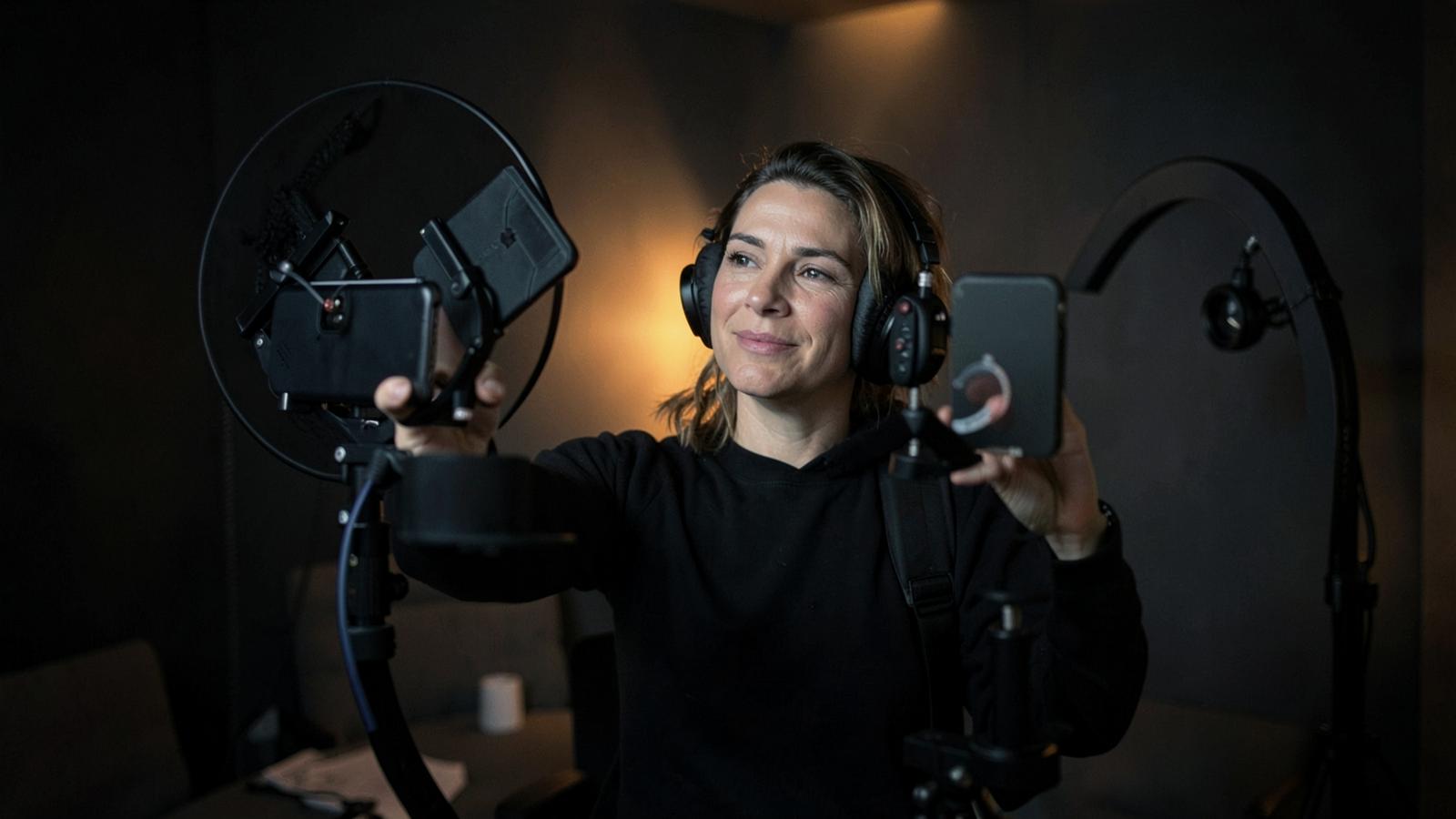
Best Teleprompter for YouTube Videos: A Creator's Guide
Learn how to use a teleprompter for YouTube videos to save hours in editing, maintain eye contact, and deliver perfect scripts every single time.
The Secret to Professional YouTube Delivery
You’ve seen those creators who speak with absolute clarity for ten minutes straight. They don’t stumble over their words, they don’t say "um" or "uh" every five seconds, and they never seem to look away from the camera to check their notes.
Are they superhuman? No. They’re likely using a teleprompter.
For a long time, teleprompters were seen as expensive tools reserved for nightly news anchors and politicians. But in today’s creator economy, a teleprompter for YouTube videos is no longer a luxury—it is a workflow necessity. Whether you are filming a deep-dive educational video, a tech review, or a high-stakes brand deal, a prompter allows you to stay on message while maintaining that crucial connection with your audience: eye contact.
Why Every YouTuber Needs a Teleprompter
If you are still trying to memorize scripts or "wing it" based on a bulleted list, you are likely wasting hours in the editing room. Here is why switching to a prompter setup changes the game:
### 1. Drastically Reduced Editing Time
When you use a teleprompter, you stop the "stop-and-start" cycle. You don’t have to cut out thirty seconds of silence while you remember your next point. Your raw footage becomes much cleaner, meaning you can finish a rough cut in half the time.
### 2. Consistent Eye Contact
The "YouTube look" requires you to look directly into the lens. When you look at a sticky note next to the camera or a laptop on your desk, the audience feels a disconnect. A teleprompter places the text directly over the lens (via beamsplitter glass) or right next to it, ensuring you never break that bond.
### 3. Professionalism and Authority
Stumbling over complex terms or losing your train of thought makes you look less prepared. If you are building a brand as an expert, a smooth delivery is non-negotiable.
Types of Teleprompter Setups for YouTube
Depending on your budget and studio size, there are three main ways to integrate a prompter into your YouTube workflow.
### The Physical Glass (Beamsplitter) Prompter
This is the classic setup. It involves a piece of specialized glass placed at a 45-degree angle in front of your camera lens. A tablet or smartphone sits below the glass, reflecting the text onto it.
* Pros: You look directly into the lens; works with any camera.
* Cons: Bulky, takes time to set up, and can be expensive ($150–$500+).
### The Smartphone/Tablet Mount
Small, portable rigs that clip directly onto the front of a DSLR or mirrorless lens. These are great for vloggers who need to move around or creators with limited studio space.
### The Software-Only Solution
If you film using a webcam or your laptop’s built-in camera, you don't need physical glass. You just need high-quality software that overlays your script near the camera hole. For creators who want a seamless, modern experience without the hardware headache, using a dedicated app like Teleo is the most efficient route. It allows you to transform your existing devices into a professional prompting station without the bulk of traditional rigs.
How to Write Scripts Specifically for a Prompter
Writing for the eye is different than writing for the ear. If you copy-paste a blog post into a teleprompter, you will sound like a robot. Follow these rules for "prompter-friendly" scripts:
- Write like you talk: Use contractions (don't, can't, it's). Use shorter sentences.
- Use phonetic spelling: If there is a brand name or a technical term that is hard to pronounce, spell it out phonetically in the script (e.g., "Teleo" as "TELL-ee-oh").
- Add stage directions: Use brackets to remind yourself to [Smile], [Pause], or [Show Graphic].
- Break it up: Use double spaces between paragraphs to give yourself visual breathing room.
Tips for a Natural Performance
One of the biggest fears YouTubers have is looking like they are "reading." Here is how to avoid the "prompter stare":
### Adjust the Font Size and Margin
If your lines are too wide, your eyes will physically move back and forth across the screen, which is a dead giveaway to the viewer. Keep your margins narrow so your eyes stay centered.
### Find Your Speed
Don't let the prompter dictate your pace; you should dictate the prompter's pace. Most modern apps allow for voice-scrolling or manual speed adjustment. Use a speed that feels like a natural conversation, not a race.
### Practice Emotional Emphasis
You know where the script is going, so don't be afraid to use your hands and change your vocal inflection. Treat the script as a guide for your thoughts rather than a rigid set of instructions.
Choosing the Right Software
Not all teleprompter apps are created equal. Many old-school apps are clunky, hard to sync across devices, or require confusing file uploads. When choosing a teleprompter for YouTube videos, look for:
- Cross-device syncing: Write on your desktop, prompt on your tablet.
- Remote control: The ability to change speed or restart the script from a phone while the camera is rolling.
- Clean Interface: You don't want to be distracted by buttons and menus while trying to deliver a performance.
Teleo excels here by offering a modern, minimalist interface that stays out of your way, letting you focus entirely on your delivery and your audience.
Conclusion
Transitioning to a teleprompter is one of the single most effective ways to level up your YouTube channel. It eliminates the anxiety of forgetting your lines, slashes your editing time in half, and allows you to project the confidence of a professional presenter.
Start small—try a software-based solution first. Once you experience the freedom of never having to memorize a 1,000-word script again, you’ll wonder how you ever filmed without one. Grab your script, fire up your prompter, and start creating.